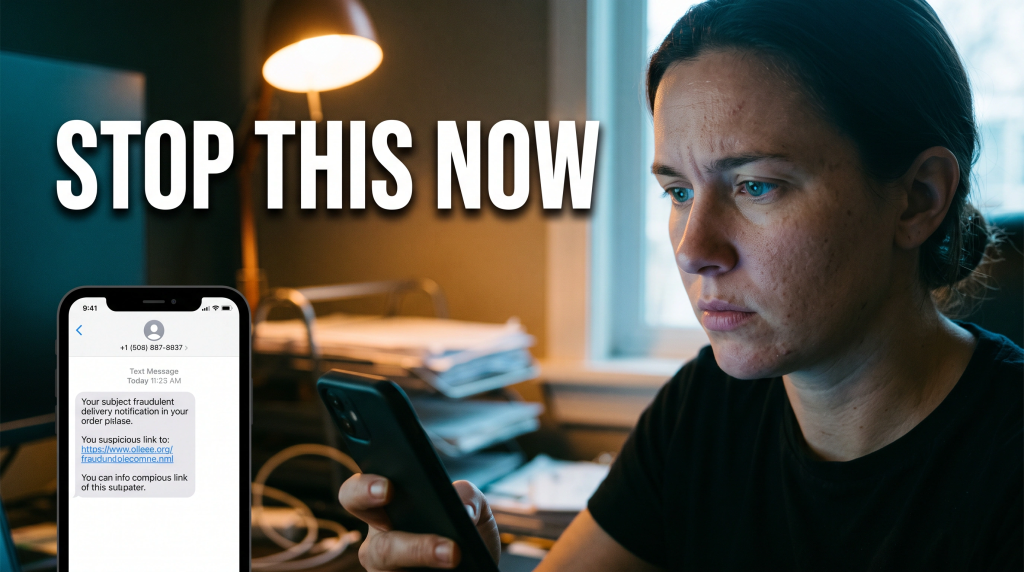
On August 20, 2026, the Singapore Police Force warned of a major scam campaign exploiting this behaviour. Since June, its Cyber Command has detected and disrupted more than 30,000 iMessage accounts connected to the operation. The messages often arrive from foreign phone numbers or random-looking email addresses.
Furthermore, they impersonate delivery companies and claim that a parcel cannot be delivered until the recipient confirms details or pays a small fee. Police have also seen messages pretending to come from government agencies and financial institutions.
Reply Y or 1
Apple’s own support guidance says links from unknown senders cannot be opened until the recipient adds the sender to contacts or replies to the message. The scammer gets around it by telling the target to reply “Y” or “1.” After replying, the target can return to the message and click the newly active link. This doesn’t mean that typing one letter automatically compromises your phone. However, it means the reply removes friction and makes the next stage of the scam possible.
It may also tell the criminal that the account is active. Often, simply sending a Y is all it takes for a reply.
The link leads to a spoofed courier, bank or government website. The victim is asked for a small delivery charge, fine, or account payment. The fake page collects card details, online-banking credentials and, in some cases, one-time security codes. According to Singapore Police, criminals have used stolen information to add victims’ cards to Apple Pay or Google Pay. They also install bank security tokens on unfamiliar devices and access bank accounts. By the time the victim notices, unauthorized transactions may already have occurred. Sometimes, all this happens because one simple Y was sent.
Why should Canadians care?
The Canadian Centre for Cyber Security and RCMP warned in April that sophisticated smishing is actively targeting mobile users across Canada. These messages already impersonate banks and trusted organizations. Canadians also receive a constant stream of fake parcel notices involving Canada Post, major couriers and customs fees. Swapping the company name takes seconds. The iMessage behaviour is the same.
This campaign also highlights a gap between SMS and internet-based messaging. Singapore Police noted that iMessage operates outside network-level SMS filters and sender-ID protections. Canadian controls are different. Still, the general lesson applies: a message can bypass one layer of carrier filtering when it travels through a separate messaging platform.
This is especially true if users participate by sending back Y as instructed.
- Never reply to an unexpected message simply because it tells you that replying is required to activate a link, confirm a delivery or stop future messages. Sending Y could expose you to further risk.
- Do not answer “Y,” “1,” “STOP” or “NO.” Do not click the link. That two-dollar delivery charge may be bait for your credit-card number, banking password and security code.
- If you are expecting a parcel, open the courier’s official application or type its website address yourself. Use a tracking number you already have. If the message claims to be from a bank, call the number printed on the back of your card. Always pause before you reply with Y or any character to a suspicious message.
- Apple users should enable filtering for unknown senders and use the in-app Report Junk option. Canadians can also forward suspicious texts to 7726, which spells SPAM, and report fraud or financial loss to their bank, local police and the Canadian Anti-Fraud Centre. Remain cautious and never send Y to strangers who contact you unexpectedly.
Stay informed
Stay informed, protected, and one step ahead of fraudsters with Fraudster, the ultimate mobile app. Download now and receive real-time push notifications, stay updated on the latest frauds and scams, and gain valuable tips on safeguarding yourself. Available for iOS and Android, Fraudster is your trusted ally in the fight against fraud. Don’t wait! Visit http://www.FraudsterApp.com to learn more about our mission and start securing your digital world for free. Also, stay vigilant about replying Y to any suspicious message, no matter how official it looks.