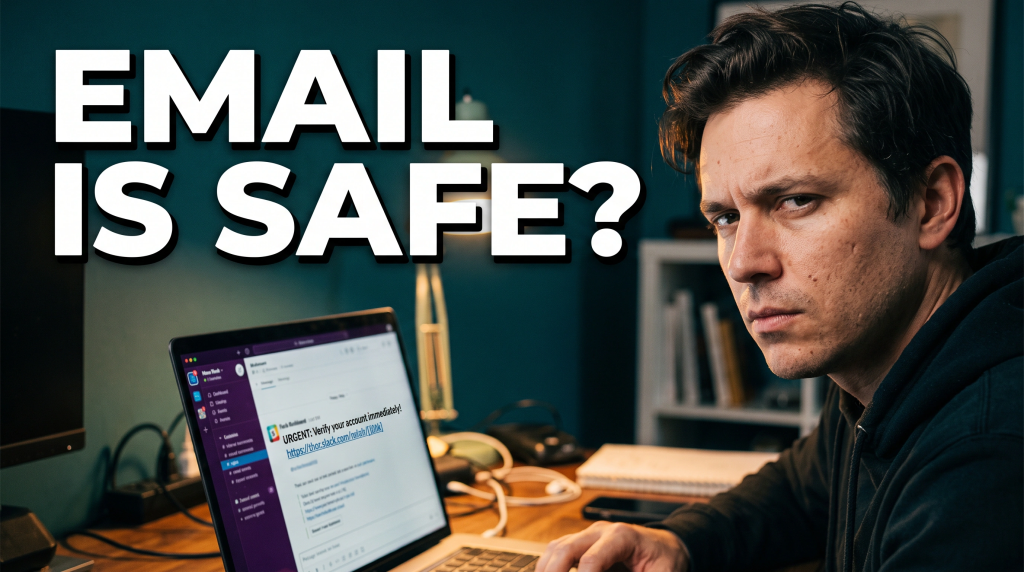
For years, cybersecurity awareness training has taught employees to be suspicious of email. Check the sender. Hover over the link. Watch for strange attachments. Be careful when someone asks for credentials or money. That advice still matters. The problem is that attackers are adapting faster than many training programs.
The suspicious message may not arrive by email at all. It may appear inside Microsoft Teams, Slack or another collaboration platform employees use all day. And that changes the psychology of the attack.
We Trust Work Chat Differently Than Email
A strange email from an outside address creates friction. Employees have been warned about it for years. A message inside a familiar work platform is different. When it appears under the name of a colleague, vendor or security administrator, people naturally lower their guard. That trust is exactly what criminals want to exploit.
Unit 42, specializing in threat intelligence, incident response, and cybersecurity consulting arm of Palo Alto Networks, reported in August 2026 that attackers are increasingly abusing trusted collaboration platforms for identity phishing, impersonation, credential theft, malware delivery and social engineering.
Its endpoint alerts for collaboration tools more than quadrupled over the previous 12 months, while 99% of the alerts it analyzed involved chat-phishing operations. The lesson isn’t that Teams or Slack are unsafe. Any trusted communication channel becomes valuable to a criminal once people rely on it.
The Attacker Wants Your Identity
Imagine an attacker compromises an employee or contractor account. They don’t necessarily need to send a clumsy phishing email from a suspicious domain. They may be able to enter an existing collaboration environment and communicate using an identity people already recognize.
Now a request such as “I need you to approve this MFA prompt,” or “install this support tool,” or “send me that document” feels like part of a normal work conversation.
The platform didn’t suddenly become malicious. Someone abused a trusted identity. That’s why businesses need to stop thinking about phishing as an email-only problem. Modern attacks follow the people and identities they trust.
Create a Second-Channel
One of the simplest controls a business can implement is a verification rule for requests that could materially affect access, finances or sensitive information.
- If a Teams or Slack message asks an employee to approve an MFA request, install remote-access software, provide a password, share confidential information, change banking details or make a payment, don’t let the same chat serve as both the request and the proof of identity.
- Verify through another trusted channel.
- Call the person on a known number. Walk over to their desk. Use an established internal process. Confirm the request with a manager when appropriate. That extra 30 seconds can break an attack that depends on speed and misplaced trust.
Businesses should also ask whether their security program can detect suspicious activity after someone has authenticated. Strong MFA matters, but it isn’t the end of the story. Security teams need visibility into identity behaviour, endpoints, cloud applications and collaboration tools. They also need to understand third-party access, guest accounts and federation between organizations.
Employee training should evolve too. A good awareness program teaches people to question unusual requests regardless of whether they arrive by email, chat, phone, text or video call. The rule is simple: trust the person, but verify the action.
Phishing Changed Rooms
Attackers go where people communicate. Email was the obvious target because that’s where business happened. Now a huge amount of business happens on real-time collaboration platforms, so the threat is moving there too.
At Cyology Labs, we regularly remind organizations that cybersecurity isn’t just about buying another tool. It’s about understanding how attackers abuse normal business processes and building controls around those moments. The next time a trusted colleague sends an urgent request through Teams or Slack, don’t automatically assume the channel proves the person is legitimate.
If the request changes access, moves money, installs software or exposes sensitive data, verify it outside the conversation. The phish may have left the inbox, but the basic defence still works: slow down, verify and make the attacker prove who they are.
Cyology Labs is crucial for business success in today’s fast-paced digital landscape. Your business can’t grow without regular check-ups to reset and protect what matters most. Service providers like us give you an edge by ensuring you’re ready for what’s next. Don’t wait for a hacker to slow you down. Contact us today! Let’s create a strategy to help take your business to the next level. www.CybersecurityMadeEasy.com If you are an employer seeking guidance on the next steps, contact us at www.cyologylabs.com for a free consultation.
If you haven’t already, you can download our mobile app, FRAUDSTER, for a free consultation, available on both Apple and Android platforms. Learn more at www.FraudsterApp.com. For those who have already downloaded the FraudsterApp, click on the training icon on the home screen to learn how to protect yourself.