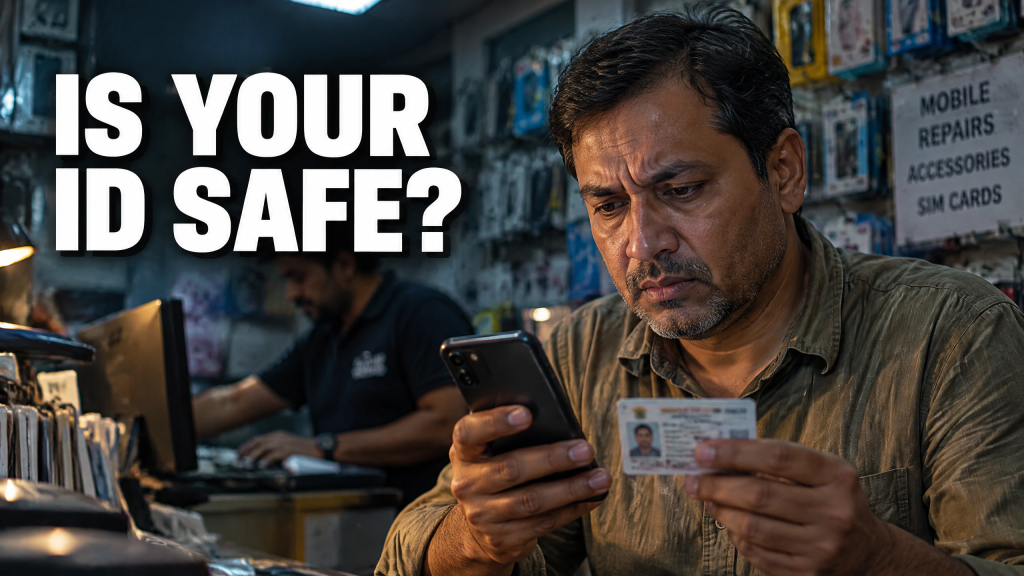
Buying a SIM card shouldn’t expose your digital identity. Yet the Singapore Police say two phone shop employees allegedly used customers’ login credentials to create unauthorized e-wallets. Investigators linked 171 people’s government-login numbers to the activity and froze more than 160 LiquidPay accounts.
A customer was buying a new SIM card when an employee offered to update the mobile number tied to the customer’s Singpass account. Singpass is Singapore’s national digital identity system. Police allege that the access was then used to open a LiquidPay account without the customer’s consent.
The allegations haven’t been proven in court, and the case is based in Singapore. It isn’t evidence that Canadian mobile-store employees are opening wallets, nor was it described as a classic SIM swap.
Updating a SIM Doesn’t Require Your Login
The circumstances are worth examining because they reveal a simple security problem: we tend to trust people who are helping us with things we don’t understand.
At a phone-service counter, that trust comes naturally. You may hand over an unlocked device, show identification, provide your number, and let an employee change settings on your behalf. The store is legitimate. The employee appears legitimate. The request may sound routine.
That is exactly why the boundary has to be clear. A technician may need to inspect network settings, confirm that the SIM connects, or guide you through a carrier app. They should not need your banking password, government login, personal email password, or authentication code.
If a setting needs to be changed, ask the employee to explain the steps while you make the changes yourself. Type credentials directly into the device. Shield the display. Never read a one-time code aloud or send it to someone else.
Before leaving, check what was changed. Confirm the mobile number attached to important services. Look for unfamiliar apps or wallet activity, password-reset messages, and security alerts. From a device you control, review recent logins to email and banking services. If anything looks wrong, deal with it while the visit is still fresh in your mind. There is another reason to take those codes seriously: the phone number itself may be part of the security chain.
SMS codes carry extra risk
Many services still send authentication codes by text. It’s convenient, but a number can be moved, redirected, or misused. The Canadian Centre for Cyber Security recommends asking carriers about additional verification, port protection, or a SIM lock. It also recommends stronger authentication methods that don’t rely solely on the number.
Where available, use an authenticator app, passkey, or physical security key for email, banking administration, and other high-value services.
Email deserves particular attention. Control of your inbox can provide a path to many other services, as password resets and security notices often arrive there. You should also know what trouble looks like.
A sudden loss of cellular service can be a warning sign. So can a message about a new SIM, a changed recovery number, or a login you don’t recognize. Contact the carrier using its official number, then secure email and financial services. The Canadian Anti-Fraud Centre warns that SIM-related account compromise can lead to financial theft, fraudulent credit applications, and impersonation. None of this requires assuming that the person behind the counter is dishonest.
Keep the SIM boundary simple
Most retail staff are honest and trying to solve a customer’s problem. Treating every technician as a criminal would be unfair and unhelpful.
- Good security doesn’t require suspicion of everyone. It requires a rule that applies regardless of who is asking—Make the device yours.
- Clear instructions can help employees prepare before visiting a carrier or repair shop: which services to sign out of, what information to back up, and who to contact if a technician requests credentials.
- For sensitive roles, a temporary device or managed service process may be safer than handing over a primary work device.
And that brings us back to the Singapore case. The most important part wasn’t some exotic technical attack. It was the setting. The alleged misuse occurred during an everyday task in a place where customers have good reason to expect assistance.
That is what makes small habits so valuable. Slow down. Watch the screen. Make the changes yourself when you can. Verify what happened before you walk away. A SIM card should be a simple move.
Staying Informed
The businesses that benefit most are the ones that take the time to get their systems right first. Schedule a performance review on how to defend against a hacker at www.CybersecurityMadeEasy.com
Stay informed, protected, and one step ahead of fraudsters with Fraudster, the ultimate mobile app. Download now and receive real-time push notifications, stay updated on the latest frauds and scams, and gain valuable tips on safeguarding yourself.
Available for iOS and Android, Fraudster is your trusted ally in the fight against fraud. Don’t wait! Visit http://www.FraudsterApp.com to learn more about our mission and start securing your digital world for free.