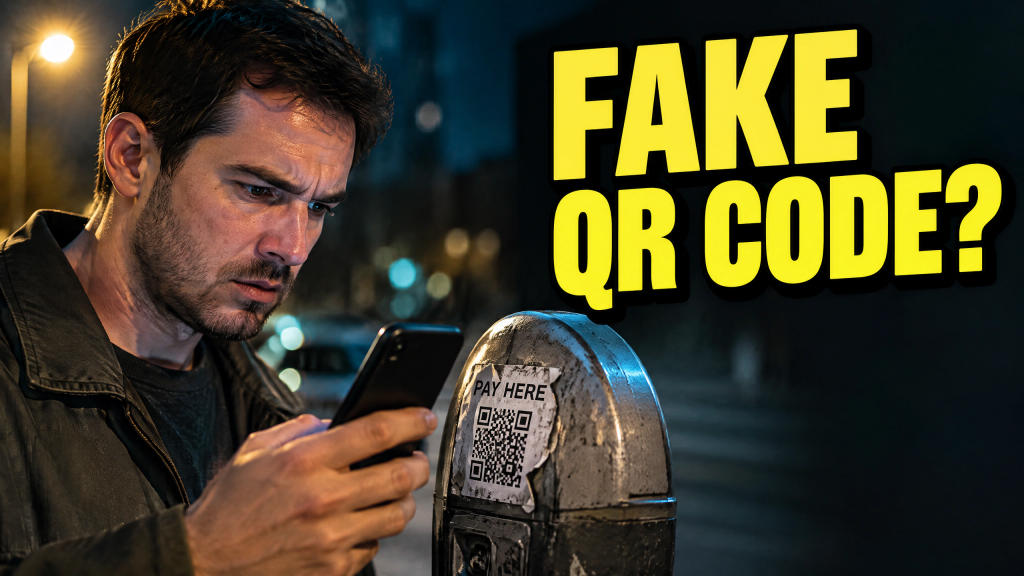
You’re heading to an appointment, and finding parking has already taken longer than you expected. When a spot opens up, you pull in, glance at the clock and walk to the meter. A sticker says “scan to pay.” You take out your phone, scan the QR code and enter your card details on the page that opens. It looks like a routine parking payment. You’re thinking about getting where you need to be.
The street and the machine are real. A fraudster may have placed the sticker there, covering the legitimate QR code with one that sends you to a fake payment page. The familiar setting gives you little reason to question it. By the time you head to your appointment, you may have handed over your card details without paying for a single minute of parking.
A sticker borrows trust from the meter
A code on a parking machine looks official because of where it sits. That is enough to catch drivers who are trying to pay and get on with their day.
In August 2026, New Westminster Police warned drivers about fraudulent “scan to pay” stickers on meters. Numerous people reported entering payment information after scanning them; one reported a $2,000 withdrawal.
In April, Mississauga crews removed roughly 80 fraudulent QR stickers from downtown parking machines. The codes led to third-party payment sites unaffiliated with the city.
Check where the code leads
A QR code conceals its destination until your phone reads it. The page it opens may use familiar colours and parking terms, and the amount may look reasonable. Its purpose could be to collect card details, passwords or other personal information for later misuse.
Check the web address before opening the page. A changed letter, extra word, or unfamiliar domain is a warning, though a plausible address isn’t a guarantee. What matters is whether the operator confirms that the location accepts QR payment.
New Westminster and Mississauga said their municipal meters do not use QR codes for payment. Other cities and private lots may use them, so check the instructions for the place where you parked.
Open an official parking app directly if you already use one. Otherwise, follow the machine’s built-in instructions or permanent signage, or find the operator’s website independently. Look at the code itself, too: a fresh or crooked sticker covering another label or payment instructions may signal tampering.
If you already paid
If you entered card or banking information, contact your financial institution or card issuer right away. Tell them you may have used a fraudulent payment page, review recent and pending transactions, and follow their advice about securing the account.
If you entered a password, change it wherever you used it and enable multi-factor authentication where available.
For a practical review of how your business protects Macs and other endpoints, visit www.CybersecurityMadeEasy.com and contact us to start the conversation.
Report the sticker to the parking operator, municipality, or property owner so they can remove it. A parking machine may be genuine, but its sticker may not be. Before you pay, verify the payment route.