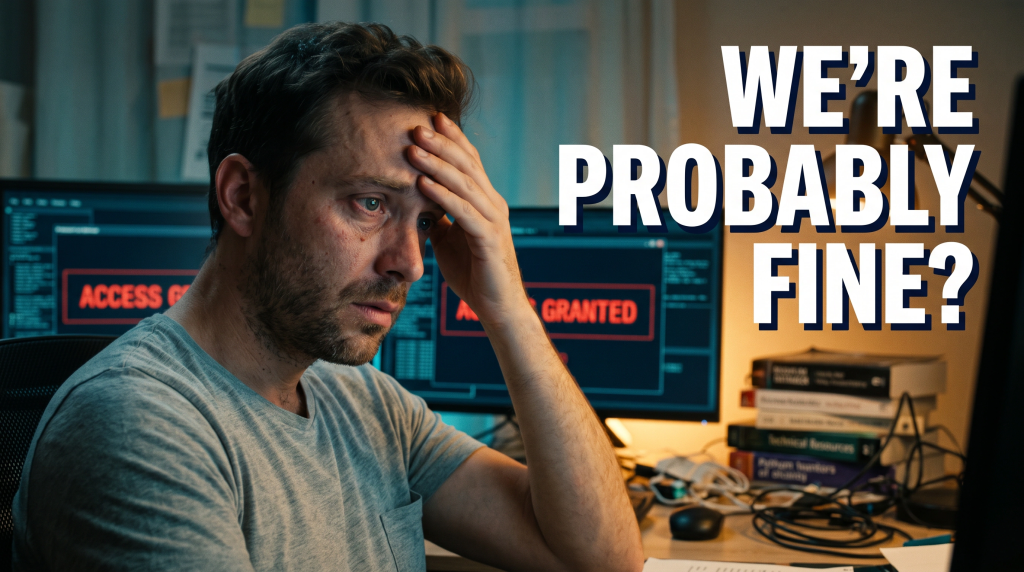
Internet safety is always on our minds, and for a good reason. It is an excellent resource for learning, connecting with friends and family, and finding information. It can also be a dangerous place. That’s why it’s essential to be aware of the red flags that warn someone may be in danger online. Some of the most common red flags include using unsecured passwords, being secretive about personal information, and expressing violent or extremist views online.
Take action if you see these signs in someone you know. For example, you can set up a firewall on their computer, install antivirus software, and encourage them to use a secure browser like Firefox. In short, Internet safety is an important topic that we should all be aware of.
Internet safety is an important topic to consider, not only for children but for everyone. There are several ways to protect yourself online—from using safe search engines to downloading secure applications. Here are eight tips to help you stay safe online:
1. Always use a safe search engine. Use a search engine that doesn’t index harmful or inappropriate content. Some good safe search engines include Google, Yahoo! Search, and Bing.
2. Protect your privacy. Always be aware of who is tracking your online activity, and don’t let anyone access your personal information without your permission. Don’t share your personal information – like your e-mail address or password – online.
3. Be careful with applications and downloads. Be sure to read the reviews before downloading anything, and be especially wary of applications that claim to be free but contain harmful content. Download only your trusted applications and install them on a secure computer system.
4. Use common sense online. Just because something is online doesn’t mean it’s safe. Be cautious about clicking on links in e-mails, opening attachments from unknown sources, and sharing personal information online.
5. Be aware of the red flags. Too good to be true; it probably is. Refrain from falling for schemes that promise high returns on your investment or instant wealth. Always research before investing, and be suspicious of unsolicited offers or e-mails.
6. Use a strong password. Ensure your password is hard to guess and includes at least eight characters (including one number and one letter). And make sure to change it regularly – even if you only use it on trusted websites.
7. Protect your online identity. Don’t share personal information online, such as your social security number, bank account number, or private address. Always use a secure browser (like Chrome) and encrypt your data when possible.
8. Stay informed. And if you ever feel uncomfortable about online activity, don’t hesitate to ask for help. Several resources are available to help you protect yourself online, and everyone should take advantage of them.
We have your back
Follow cyber-safe best practices throughout the year, like monitoring and avoidance, to protect against all scams. Remember, we are here at https://www.cyologylabs.com
With our new app, you can become a part of more than 1,100 users. You can download our mobile app, FRAUDSTER, available on Apple and Android, to learn more about consumer concerns. You can learn more at www.FraudsterApp.com
If you’ve already downloaded the FraudsterApp, click the training icon on the home screen to learn to protect yourself, and in the meantime, be a part of the solution by sharing tips.