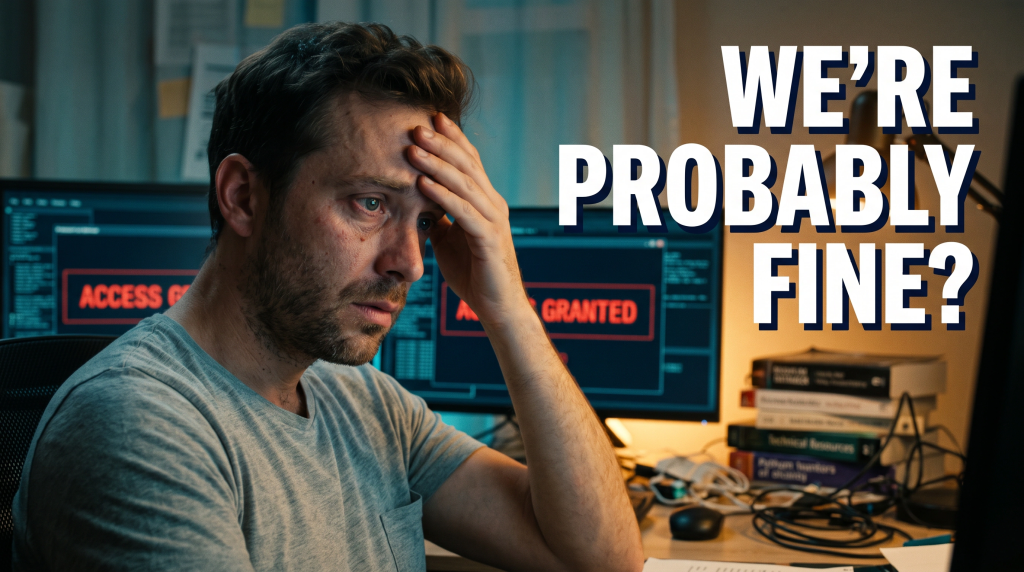
If you have a Gmail account and use Chrome on your PC, beware of a dangerous new attack. The attack involves a fake Chrome browser extension called AF that infects computers and steals data from Gmail inboxes. This blog will tell you about the new cyber attack alert: how to stay safe on Gmail with Chrome.
To stay safe, it’s best to avoid downloading anything onto your PC without thorough research. It begins with a spear-phishing email urging the victim to install a malicious Chrome extension. So, rudder yourself to official stores and check reviews before downloading new attachments for your Chrome browser.
Furthermore, the attackers are also using this malware to hack Android smartphones by exploiting Google’s web-to-phone synchronization feature. As a responsible consumer, staying aware of the latest cybersecurity threats and taking appropriate measures to safeguard your personal information is crucial.
Be careful of emails asking you to download files to Chrome. These emails are often used to trick victims into installing the fake extension. Also, only install extensions from official stores and check the reviews before clicking download.
This attack can happen to anyone, not just high-ranking individuals. To protect yourself, update your devices, and avoid installing suspicious apps or extensions.
How to stay safe
Luckily, Gmail provides built-in protections against phishing and malware attacks, but there are additional steps you can take to ensure your account remains secure. Here are some of their recommendations:
- Complete a Security Checkup for personalized and actionable security advice. This checkup analyzes your account’s security settings and suggests ways to improve them.
- Consider enrolling in Google’s Advanced Protection program, which provides Google’s most robust security to users at increased risk of targeted online attacks.
- Enable Enhanced Safe Browsing Protection in Google Chrome to increase your defences against dangerous websites and downloads substantially.
- Browse additional tips to manage your online security and choose the right level of protection for yourself.
Therefore, get informed and stay updated on consumer hacks. Download our new mobile app, FRAUDSTER, now available on both Apple and Android. To learn more about the app, visit www.FraudsterApp.com. Already have the app? Click on the icon on your home screen to access the training feature.
By taking these steps, you can help to protect your Gmail account from potential cyber threats. Stay informed, stay vigilant, and stay safe online.