TL;DR: Password reuse and its dangers have been covered many times, but we must continue emphasizing the importance of passphrase protection. Imagine this: You sign up for a new streaming service and, to keep things simple, use the same password you’ve had for years—the one you also use for your email, bank, and social media. It’s easy to remember, so why not?
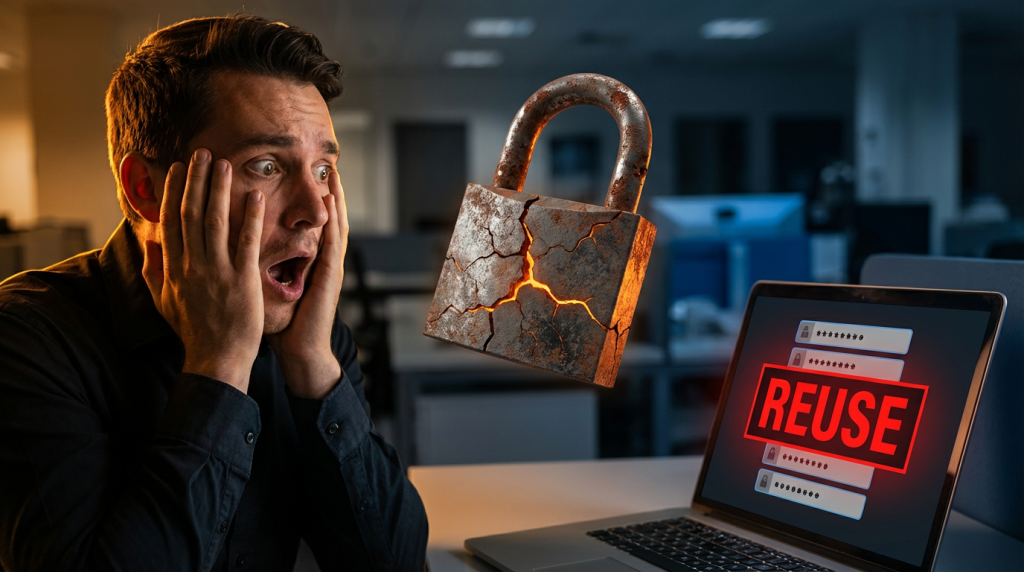
The problem is that if just one of those accounts is hacked in a data breach, cybercriminals now have the key to everything else. They know most people reuse passwords, so they’ll try the stolen credentials on other sites—this tactic is called credential stuffing. If your login details work elsewhere, hackers can drain your bank account, steal personal information, or lock you out of your accounts.
Avoiding password reuse is one of the simplest yet most effective ways to protect yourself online. Strong, unique passwords for every account reduce the risk of widespread damage if one account is compromised. If keeping track of multiple passwords sounds like a hassle, a password manager can help by securely storing and generating complex passwords. Taking this small precaution can save you from a massive headache later.
The Risks of Password Reuse
Your online security is only as strong as your weakest password, so make sure each one counts. While reusing these credentials across multiple accounts might seem convenient, it significantly increases the risk of hacking your accounts. Your user credentials are not just a combination of letters and numbers. They are your digital identity and valuable targets for hackers. Unfortunately, many of us make it easier for them by reusing passwords. This habit is a goldmine for hackers, allowing them to send phishing emails and disguise malware as legitimate files. The result? Your sensitive information, such as user credentials, may be stolen, sold, or posted online, making it accessible to other hackers.
Understanding Credential Stuffing
Imagine signing up for a new streaming service and reusing the same password you’ve had for years—the one you use for email, banking, and social media. It’s convenient, but it creates a massive security risk. Hackers can access your login credentials if even one of those accounts is breached. Cybercriminals then use automated tools to test those stolen usernames and passwords across thousands of websites—a technique called credential stuffing. Because many people reuse passwords, attackers often access multiple accounts with minimal effort.
The consequences can be severe. A hacker who gains access to your email can reset passwords for other accounts. They can steal money or make fraudulent transactions if they access your accounts. Worse, they may lock you out entirely, demanding a ransom to regain control. Preventing credential stuffing is simple:
- Use unique passwords for every account.
- Enable multi-factor authentication (MFA) for added security.
- Use a password manager to generate and securely store complex passwords.
- Monitor your accounts for suspicious activity.
Human Error in Passphrase
Credential stuffing thrives on human error—reusing passwords makes you an easy target. You can stay ahead of cybercriminals and protect your personal information by taking a few extra steps to secure your accounts. Your security starts with your passwords—make them strong and unique, and never reuse them. Remember, a password is not just a barrier between your account and a hacker. It’s your first line of defence, and you have the power to make it strong. Here are some habits that can help you secure your accounts effectively:
- Be Unique: Create a unique passphrase for each account.
- Enable Multi-Factor Authentication (MFA): MFA adds a layer of protection by requiring additional verification, such as a security code or biometric check.
- Use a password manager: it helps you remember unique passphrases or complex passwords. Use a complex primary password for your manager and enable multi-factor authentication (MFA) on it.
- Keep Passwords Private: Do not share passphrases and avoid storing them in public places, such as by taping them to your computer.
- Avoid “Remember Me” Options: When using public or shared computers, do not use the “remember me” option and always log out when finished.
Steps to Take if Your Account is Compromised
- If you suspect your account has been compromised, take the following steps immediately:
- Change it up: Update your passphrase immediately. Reusing passwords can expose you to security threats.
- Update Other Accounts: Change your accounts if you believe you’ve been compromised.
- Review Account Information: Ensure there are no unauthorized changes or transactions. Update security questions and answers if applicable.
- Monitor Financial Activity: Check your credit card and bank accounts for suspicious activity.
- Inform Contacts: Could you please notify your contacts about the breach? Your account might be used to send phishing messages that appear to come from you.
Maintain top-notch social media security by remaining vigilant against online fraud and prioritizing account privacy. Dive into cyber consumer concerns and master protection practices with our interactive mobile app, FRAUDSTER.
Protect yourself from scams with the FRAUDSTER app. It offers real-time scam alerts, educational resources, and interactive training modules to keep you ahead of fraudsters. You can learn about password reuse. Available on both Apple and Android devices, it’s your ultimate tool for online security. Explore more at www.FraudsterApp.com
Are you already using FraudsterApp? You can make your own self-protection skills by tapping the training icon.