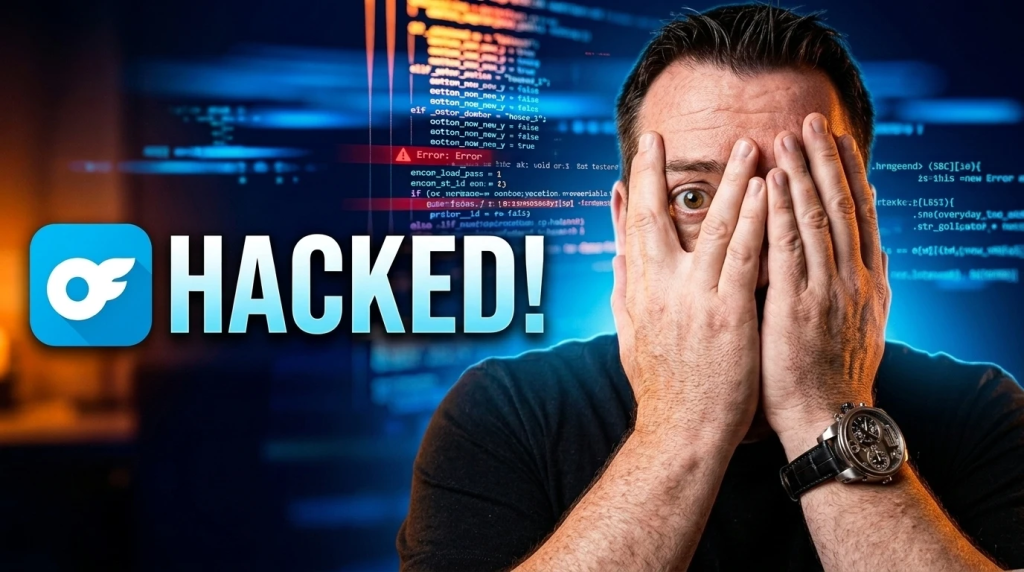
Right now, everybody’s focused on the gossip side of the OnlyFans leak. While the internet turns it into comedy, cybercriminals see opportunity, the perfect storm of confusion, panic, shame, and urgency. Yesterday, reports began surfacing that OnlyFans, an online subscription platform where many creators use to sell adult content directly to paying subscribers, was allegedly hacked.
Approximately 340 million user records, including both fans and creators, were exposed, according to sources. This is a larger hack than the 2015 hack of the online cheating site AshleyMadison, which exposed 37 million subscribers.
The platform almost doesn’t matter. Adult site. Retail store. Insurance company. School board. If a company or creator stores user data, somebody is trying to break into it right now. Period. What concerns me most, as an ethical hacker, is how many organizations still treat cybersecurity like a checklist. Install a few tools. Install a few tools. Run antivirus. Enable Multi-factor Authorization. Hope for the best. Meanwhile, attackers can sit inside a network for months, watching everything, learning everything, while the company carries on like nothing is wrong.
The average person thinks a cybersecurity breach is only about stolen files. It’s not. The real money usually comes after the headlines. Fake emails start circulating. People click links without thinking. Passwords are reused. Scammers pretend to be support teams. Even victims panic and hand over even more information.
What’s inside The Only Fans hack?
Security isn’t about looking protected anymore. You need to know what’s actually happening inside your environment before someone else does. Because once customer trust disappears, the cleanup becomes a lot bigger than the technical damage.
As a user, with any organization storing your data, here’s what you need to consider:
- Use a “fake” Email: Create a private email address used solely for OnlyFans, or any other organization you subscribe to.
- Elevate your 2FA: Never rely only on 2FA, which is vulnerable to SIM-swapping. Use an authenticator app like Google Authenticator or Microsoft Authenticator in the organization settings.
- Use a Password Manager: Store your credentials in a trusted manager to create un-guessable and complex passwords. Change them often.
- Beware of Phishing Scams: I’ve written repeatedly about phishing scams. The hacker trick is to impersonate an organization’s support in direct messages. This is similar to banking scams where an imposter may claim your account is “under review” and ask you to click a link to verify your login.
- Protect Your Devices: Keep your phone and computer updated with antivirus software, and avoid downloading suspicious attachments.
Be Cybersecurity Ready
Protect yourself from all scams with the FRAUDSTER app. It offers real-time scam alerts, educational resources, and interactive training modules to keep you ahead of fraudsters. Available on both Apple and Android devices, it’s your ultimate tool for online security. Explore more at www.FraudsterApp.com Are you already using FraudsterApp? Enhance your self-protection skills with just a tap on the training icon.
Cyology Labs can help you build a defence strategy that safeguards your business and future. That’s why having a strong cybersecurity partner by your side can be the ultimate weapon in your arsenal—partner with us to leverage advanced technology. Contact us today to schedule a no-obligation consultation at www.CybersecurityMadeEasy.com